Mac and Windows.
Colours as on screen.
Software for photo shops and photographers. Corrections, captions and printing in one window.
Works with:
- DNP
- Citizen
- Epson SL‑D700 on Mac
- + other printers
Free trial: 50 photos · licence €50 for 12 months
How the program works
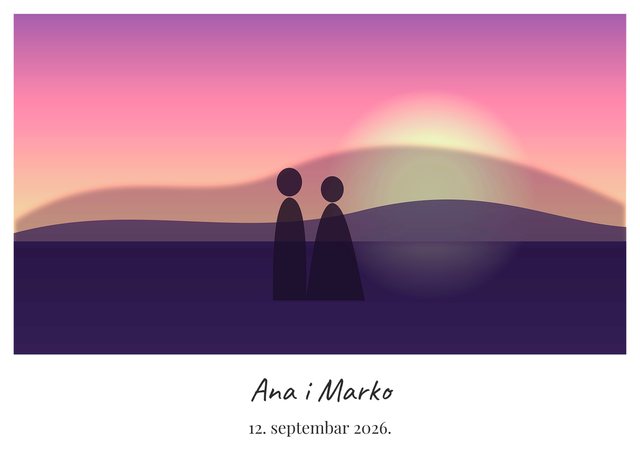
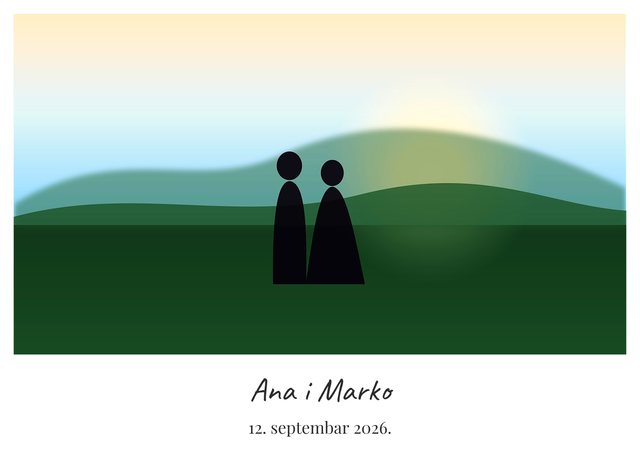
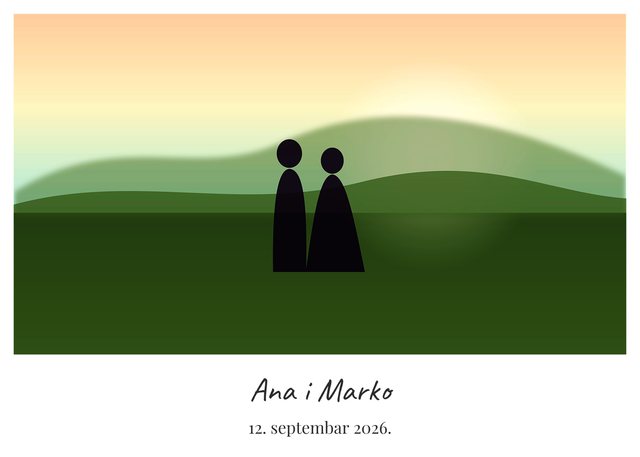
The whole job from start to finish: choosing the printer, captions, corrections, the grid view and sending to print. The photos shown are illustrations.
Two modes, one licence
At start you choose what you are doing that day.
Captions
when you print from the program you already use
- cropping to the paper size, frame and caption
- ready-made and your own quick styles, watermark
- finished photos in a folder, in full resolution
Captions & Print
when you want everything up to the finished print
- everything from “Captions”
- corrections and auto correction next to the original
- copies per photo and printing on your printer
- jobs, reprints, prints per day
How it works
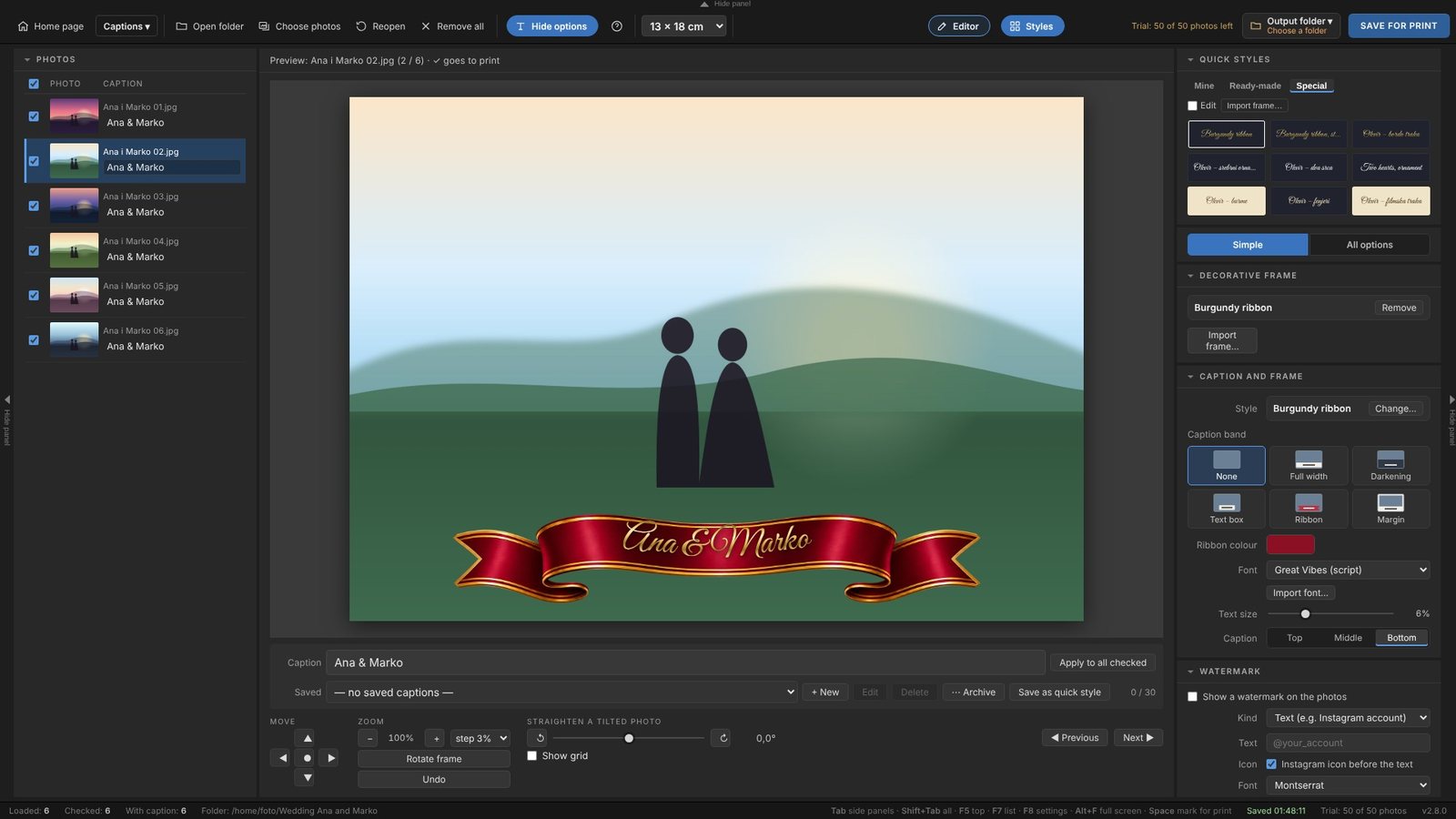
Everything is on one screen. Your original photos are never changed.
A name and date on every photo
Write the caption once and put it on all checked photos, or give each photo its own.
- built-in fonts, Latin and Cyrillic, and import of your own fonts
- up to 40 quick styles and 30 saved captions
- white margin, a band over the photo or text only
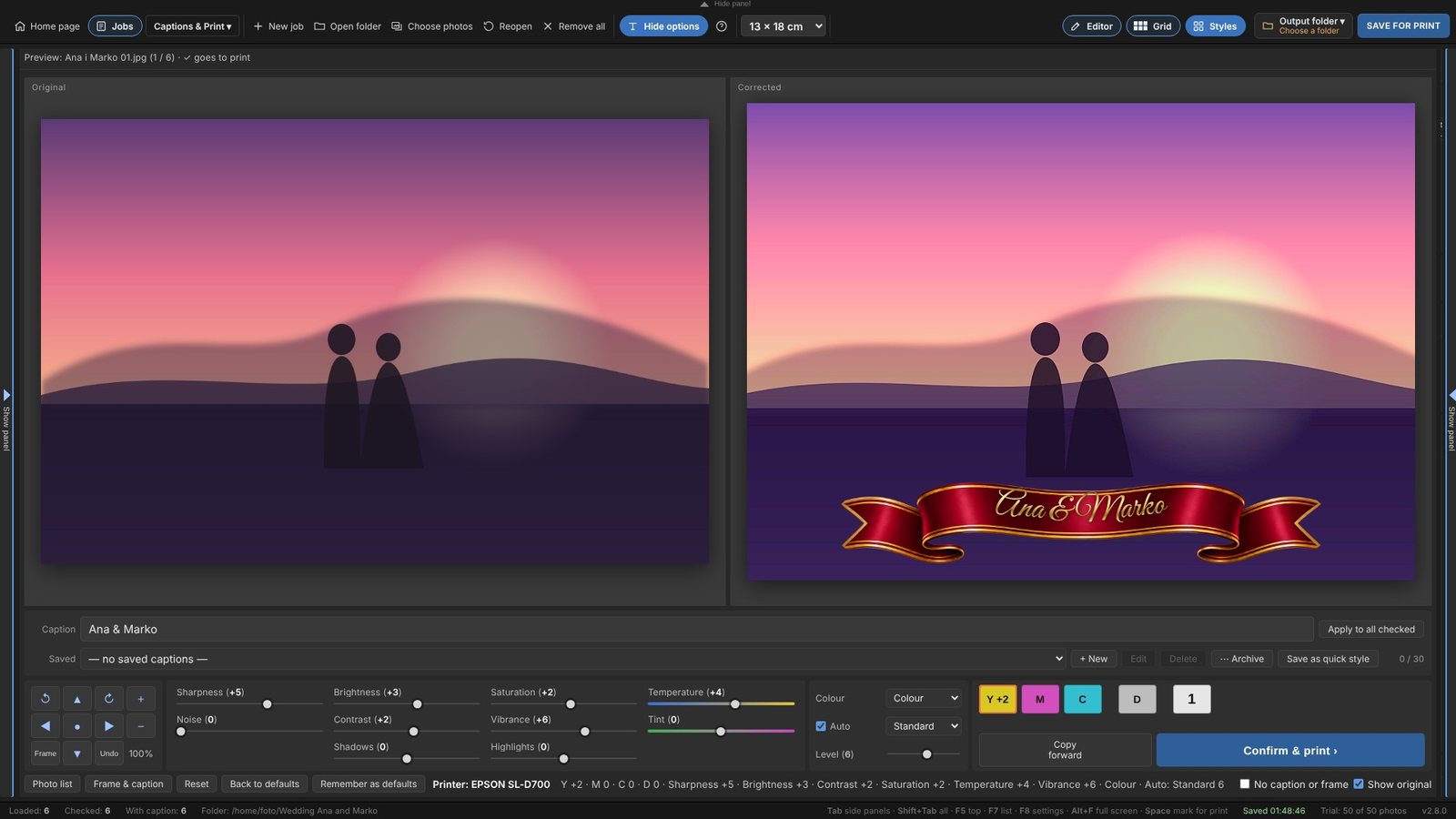
Original left, print right
See what you change while you change it. Every click on a slider is one step.
- sharpness, brightness, contrast, shadows, highlights, noise
- temperature, tint, saturation, vibrance
- Y, M, C and density: left click adds, right click takes away
Six photos, one view
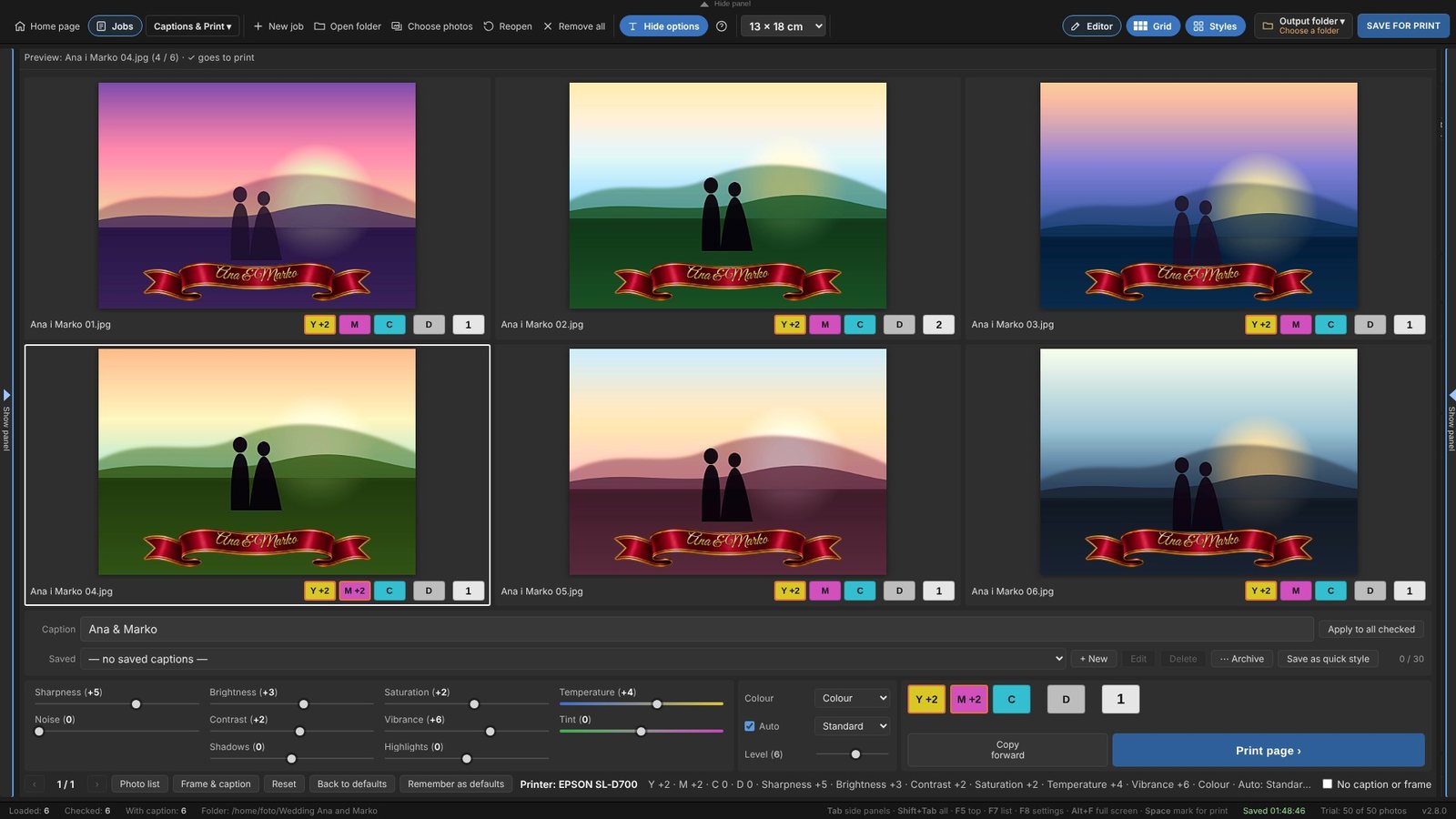
For evening out a series and fast printing.
- “Copy forward” carries the corrections to every photo after the chosen one
- Y, M, C, D and the number of copies under every photo
- “Print page” sends all six and opens the next page
The printer works while you correct
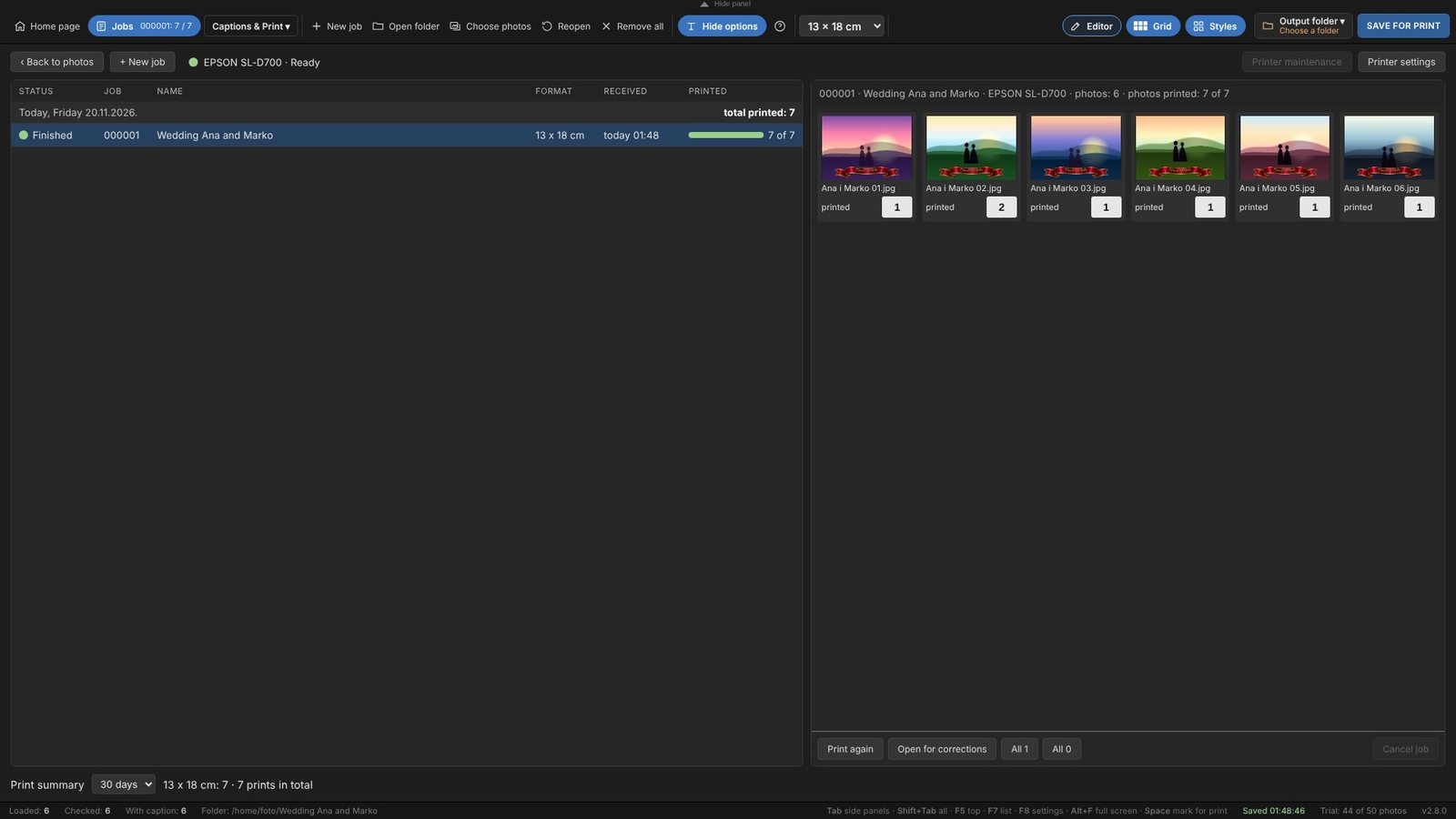
A confirmed photo goes to print at once, and you follow the job in the same window.
- job progress and prints per day
- reprint a whole job or a single photo
- job photos are kept for 30 days
Works with the printer you already have
The program prints through the printer driver. Paper type, borderless printing and colour are set once, in the driver.
Inkjet
Epson SureLab D500, D700, D800, D1000 and SureColor · Fujifilm Frontier DE100, DX100 · Canon PIXMA PRO, imagePROGRAF
Dye-sublimation
DNP DS620, DS820, DS-RX1, QW410 · Citizen · Mitsubishi · HiTi · Fujifilm ASK · Kodak · Canon SELPHY
Others
Any printer with a Windows or macOS driver. Without printing from the program, finished photos are saved to a folder.
The colours your printer gives
The program brings no colour profiles or processing plug-ins of its own. The photo goes to your printer's driver as it is, and the driver does the colour, with its own profile for the chosen paper. No double colour processing: only what you set in the corrections changes.
The program recognises the listed models by their name in the system. Try every model on your own device before regular work.
What you get
Free trial
50 photos saved or printed, with every feature.
Licence per computer
€50 for 12 months, for both modes. You send the request from the program, and the licence arrives by itself.
Windows and macOS
Windows 10 and 11. macOS for Apple Silicon and Intel.
Everything stays with you
The program runs on your computer. Photos are never sent anywhere.
Price and licence
One licence per computer, for both modes: “Captions” and “Captions & Print”. A licence is valid for at least 12 months.
A licence is issued for at least 12 months. Half-year and monthly licences are not available.
Free trial: 50 photos without a licence, with every feature.
- Download the program and try itSave or print your first 50 photos without a licence.
- Send a request from the programIn the program click “Licence”, enter your name or company name and a contact, then “Send request”. The request reaches the publisher with your computer's code.
- Pay for the licencePay €50 with PayPal right here, entering your computer code, or the publisher sends you other payment details.
- The licence arrives by itselfOnce the payment is recorded, you receive the licence by e-mail, and at the same time it goes straight into the program as soon as the computer is online. You do not have to type anything.
Download and try
Without a licence the program works in full for your first 50 photos. Licence: €50 for 12 months.
Windows
Version 2.8.0. Windows 10 and 11. The installer is signed with the publisher's certificate.
If Chrome says the download is uncommon or suspicious, click the arrow next to the message and choose “Download anyway”. This happens with every new version until enough people have downloaded it.
Installation guide ↓macOS
Version 2.8.0. Choose by processor: Apple Silicon (M1, M2, M3, M4…) or Intel.
Installation guide ↓Installing on Windows
- Start the installerOpen EventPrintStudio-Setup.exe from your Downloads folder.
- If a blue SmartScreen window appearsWindows shows Windows protected your PC for programs it does not know well yet. Click More info, then Run anyway.
- Finish the installationClick Yes when Windows asks to allow changes, then follow the installer. The program appears on the desktop and in the Start menu.
- Start the programIt opens in its own Microsoft Edge or Google Chrome window. A new version installs over the old one; settings, captions and the licence stay.
If your antivirus stops the download or the installation, allow the file EventPrintStudio-Setup.exe from preuzimanje.zoranstojanovic.rs.
Installing on macOS
- Choose the right fileApple menu › About This Mac › Chip. Apple M1, M2, M3, M4… means Apple Silicon; Intel means Intel.
- Unzip and moveDouble-click the ZIP file, then drag EventPrint Studio into the Applications folder.
- First start, only onceDouble-click EventPrint Studio. The Mac says the app cannot be verified; click Done. Open System Settings › Privacy & Security, scroll down and click Open Anyway next to EventPrint Studio, then confirm with your password.
- Start the programDouble-click it again. It opens in a Google Chrome or Microsoft Edge window, so one of them must be installed.
If the program cannot open a folder with photos, click Allow when the Mac asks. If you clicked Don’t Allow earlier: System Settings › Privacy & Security › Files and Folders › EventPrint Studio. New version: close the program, drag the new app into Applications and choose Replace.
Licence and questions
For a licence or a question about your printer, contact the publisher.
When the computer is online, the program reports the licence state to the publisher from time to time: the computer code and name, the program version and the licence state. Photos, captions and file names are never sent. Without internet the program works normally.